






Directory Sync
Real-time directory synchronization for Microsoft 365 migrations.
Powered by PowerSyncPro and available through BitTitan, Directory Sync helps organizations maintain Active Directory and Entra ID coexistence throughout phased migration projects. Designed to complement MigrationWiz data migrations, Directory Sync keeps user, groups, passwords, and directory attributes synchronized between source and destination environments to ensure uninterrupted access and collaboration.

Directory Sync Demo
AD Sync: Sync 500 Users in Minutes with PowerSyncPro
See how Directory Sync powered by PowerSyncPro helps organizations synchronize Active Directory and Entra ID environments during Microsoft 365 migrations, including syncing 500 users in minutes.
Handle large-scale migrations, maintain directory coexistence, and synchronize users, groups, passwords and attributes with speed and accuracy.
Ensure Seamless Coexistence Across Environments
- Keeps users, groups, and directory attributes synchronized between source and destination
- Maintains GAL consistency for uninterrupted communication
- Supports phased migrations without disrupting user access or collaboration
Reduce Risk and Eliminate Identity Conflicts
- Prevents duplicate accounts and UPN mismatches
- Validates and aligns attributes across directories
- Enables controlled, low-risk tenant-to-tenant and hybrid migrations
Built for Enterprise Scale
- Supports synchronization across thousands of users, groups, and complex directory structures
- Handles multi-forest and tenant-to-tenant environments with ease
- Enables phased, global migrations without disrupting business operations
What Directory Sync Delivers
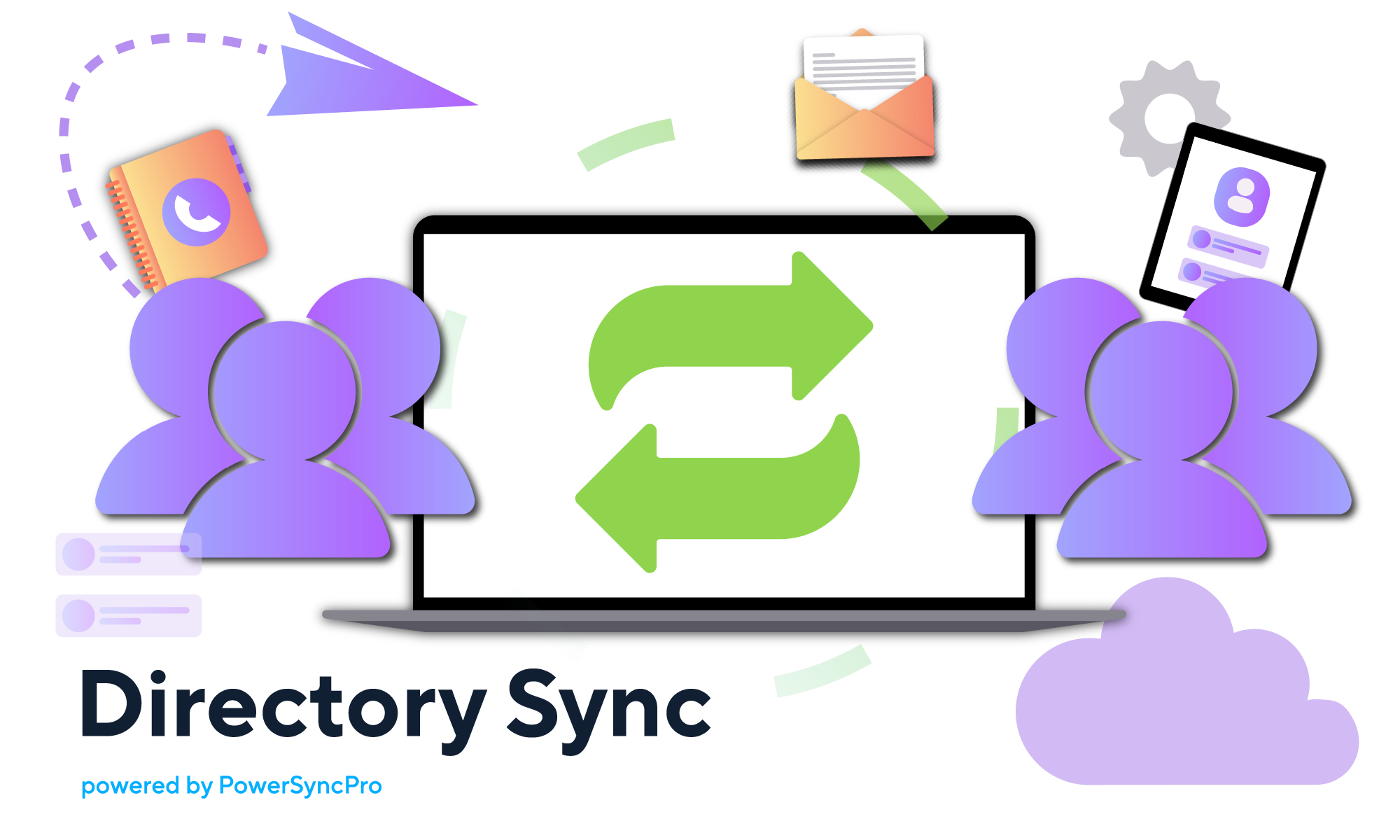
Directory Sync is an identity synchronization engine that maintains consistent users, groups, and access across environments. It keeps identities aligned before, during, and after migration so users can authenticate and collaborate without disruption.
- Supports Active Directory, Entra ID, and Google Workspace environments
- Advanced attribute mapping and transformation rules
- Supports hybrid, multi-tenant, and cross platform migration scenarios
- Enables long-term coexistence and phased migrations
-
-
Why Customers Choose BitTitan for Directory Sync
BitTitan helps MSPs and IT teams deliver complete migration projects with solutions for data, identity, and device migrations.
- 24/7 global support, including nights and weekends during migration cutovers
- Simplified procurement with a single vendor for data, identity, and device migration solutions
- Ability to use directory Sync alongside MigrationWiz within the same migration project and purchasing process
- Built for MSPs with scalable delivery and repeatable migration processes
- Proven success across enterprise migrations including complex hybrid and multi-tenant environments
-
-

Ready to simplify directory synchronization?
Maintain Active Directory and Entra ID coexistence during Microsoft 365 migrations with Directory Sync powered by PowerSyncPro and available through BitTitan.
Talk to our team about your migration project.
FAQs for DirSync with BitTitan
Why should I use BitTitan to purchase DirSync?
When should I use DirSync?
- Migrations are phased over time
- Coexistence between environments is required
- Identity must remain synchronized across systems
Does DirSync support hybrid and multi-tenant migrations?
- Active Directory to Active Directory
- Active Directory to Entra ID
- Entra ID to Entra ID
- Google Workspace integrations
Can DirSync handle password synchronization?
DirSync supports legacy and modern password synchronization in different scenarios:
Legacy password synchronization
This applies to older environments using Azure AD Connect (or its predecessor DirSync) with traditional sync methods. It is typically used when:
- Organizations are running older versions of directory sync tools
- Password sync is configured using earlier hashing and sync mechanisms
- Environments have not yet been upgraded to newer identity architectures
Modern password synchronization
This applies to current, supported identity setups using updated versions of Azure AD Connect. It is used when:
- Organizations are using the latest Azure AD Connect versions
- Enhanced security features are enabled (e.g., improved hashing, security hardening)
- Hybrid identity environments require secure, real-time or near real-time password sync
- Integration with modern authentication and security policies is needed
Does DirSync support SID history?
Can DirSync handle attribute transformations?
What happens if I only migrate data without DirSync?
- Users unable to log in
- Access and permission issues
- Identity mismatches between environments
- Increased support tickets
DirSync prevents these issues by keeping identities aligned throughout the migration process.
Is DirSync a replacement for MigrationWiz?
- MigrationWiz moves data
- DirSync synchronizes identities
Both are required for a complete migration solution.
Is DirSync suitable for enterprise migrations?
- Large scale enterprise environments
- Multi forest and hybrid configurations
- Long running coexistence scenarios

SoftwareOne
Why SoftwareOne chose MigrationWiz:
- SoftwareOne’s team can customize each migration to suit the needs of the customer.
- A mutual focus on making things easy for customers.
- There’s no need to have a different tool for different workloads.