
February 17, 2026
How MSPs Can Automate Cloud Migrations & Reduce Manual Work
Cloud migrations have become table stakes for modern IT service providers, but how those migrations are delivered is what separates average MSPs from best-in-class partners. Downtime, manual workstation reconfiguration, and poor end-user experiences are still common pain points that erode trust and margins.
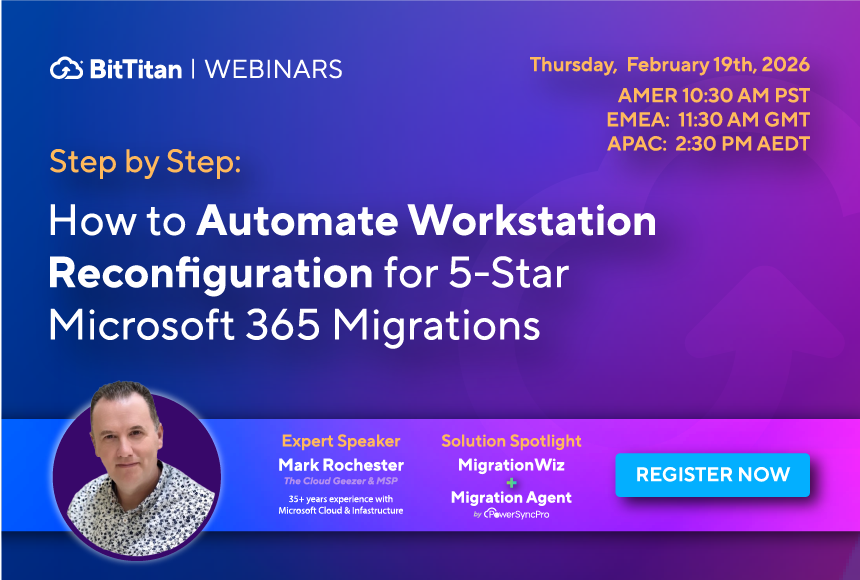
In our upcoming webinar, Cloud Geezer Mark Rochester will break down how MSPs can elevate their migration practice using two powerful, complementary tools: MigrationWiz and PowerSyncPro’s Migration Agent. The session will include a demo and real-world guidance on how to automate migrations end-to-end while delivering a polished, low-friction experience for clients and users alike.
The MSP Migration Challenge
Even with proven data migration tools, many MSPs still struggle with the last mile of a project:
- Manual workstation rebuilds after tenant-to-tenant migrations
- Time-consuming user profile reconfiguration
- Disconnected end-user experiences that result in frustration and support tickets
- Reduced project profitability due to hands-on labor
These challenges don’t stem from a lack of expertise they stem from a lack of automation across the entire migration lifecycle.
MigrationWiz: The Foundation for Reliable Cloud Migrations
MigrationWiz has long been the industry standard for cloud migrations, trusted by MSPs to move email, documents, and collaboration workloads securely and at scale. In the webinar, Mark will cover:
- How MSPs use MigrationWiz to deliver predictable, low-risk migrations
- Best practices for tenant-to-tenant projects
- Why automation and repeatability are essential for profitable migration services
MigrationWiz handles the data with precision, but data alone doesn’t complete the migration.
PowerSyncPro Migration Agent: Automating the Workstation Experience
This is where PowerSyncPro Migration Agent changes the game.
Mark will demonstrate how Migration Agent enables MSPs to automate workstation reconfiguration after a migration, including:
- Migrating user profiles and device settings
- Reconnecting users to the destination tenant automatically
- Eliminating manual re-logins, profile rebuilds, and reconfiguration tasks
The result is a nearly invisible migration for the end user. They sign in, and their device simply works no disruption, no confusion, no flood of help desk tickets.
Delivering a White-Glove Experience at Scale
Together, MigrationWiz and PowerSyncPro Migration Agent allow MSPs to deliver top-tier migration services without increasing operational overhead:
- Faster project completion
- Reduced hands-on labor
- Consistent, repeatable outcomes
- A premium end-user experience that clients notice
For MSPs looking to differentiate their services, protect margins, and scale migrations confidently, this combined approach represents a significant competitive advantage.
Join the Webinar
If you’re an MSP looking to modernize your migration practice, this webinar is a must-attend. You’ll see demos, practical workflows, and real insight from one of the industry’s most trusted voices.
Join Cloud Geezer Mark Rochester as he shows how MigrationWiz and PowerSyncPro Migration Agent work together to transform cloud migrations—from backend execution to end-user experience.
Watch the On-Demand Webinar
Learn how MigrationWiz and PowerSyncPro Migration Agent work together to automate workstation reconfiguration, reduce manual tasks, and improve the migration experience for MSPs and their customers.
FAQs About Automated Microsoft 365 Migrations
Can MSPs automate Microsoft 365 tenant-to-tenant migrations?
Yes. MSPs can combine MigrationWiz and PowerSyncPro Migration Agent to automate supported parts of Microsoft 365 tenant-to-tenant migrations. MigrationWiz handles mailbox, document, and collaboration data, while Migration Agent helps automate workstation transitions. Together, they reduce repetitive manual tasks and support more consistent migrations.
How can MSPs avoid manually rebuilding workstations after a migration?
PowerSyncPro Migration Agent helps automate workstation reconfiguration by transitioning supported user profiles and device settings to the destination environment. This reduces the need for technicians to rebuild profiles or manually reconnect every workstation after a tenant-to-tenant migration.
How can automated migrations reduce help desk tickets?
Migration-related support tickets often involve login problems, missing profiles, and application access after cutover. Automating supported workstation configuration tasks can reduce these issues. MSPs should also test user access, device settings, and application connectivity before completing the migration.
Can MigrationWiz and PowerSyncPro help MSPs improve migration profitability?
Yes. By reducing manual workstation configuration and repetitive migration tasks, MSPs can spend fewer technician hours on each project. Standardized migration workflows also help teams manage larger projects more efficiently without increasing labor at the same rate.
What should MSPs test before automating workstation migrations?
MSPs should test representative devices, user profiles, authentication, application access, and connectivity to the destination tenant. Running a pilot migration helps identify compatibility issues and configuration requirements before deploying automated workstation migrations across the organization.